How To Change Age On Duolingo Account Guide + Fixes That Work
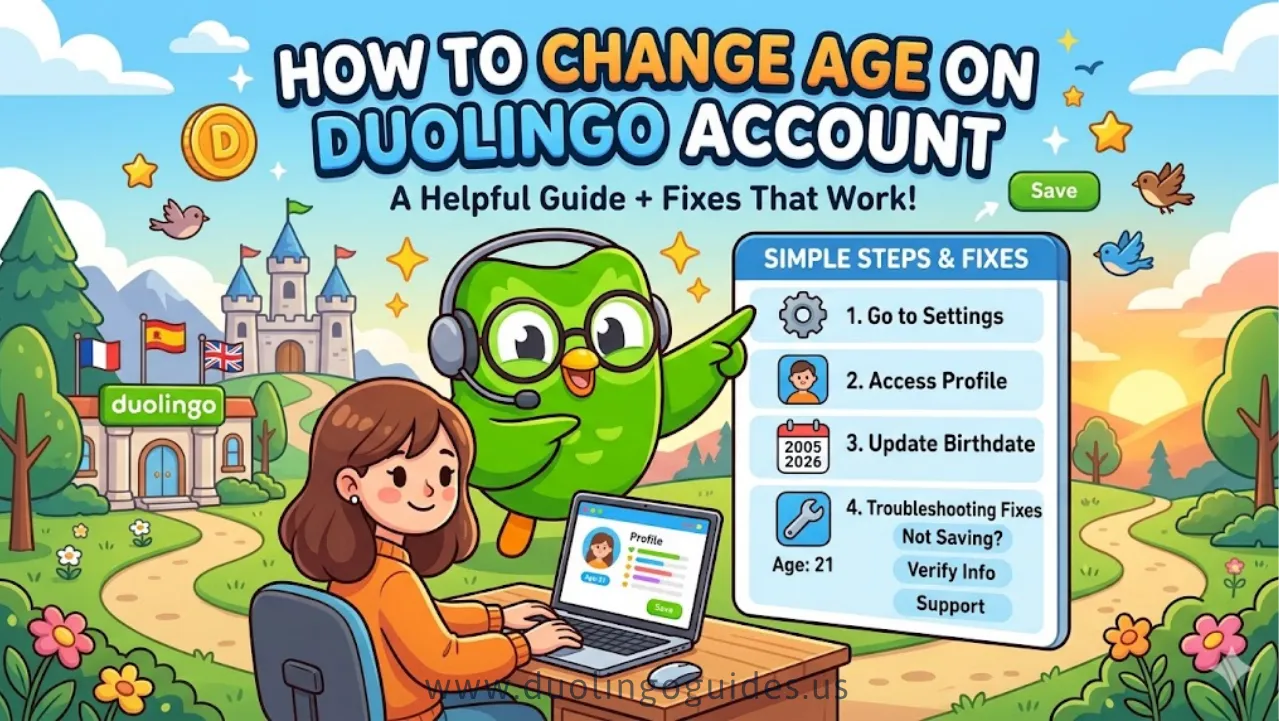
Many US Duolingo users accidentally enter the wrong birthdate during signup and later discover that their account is restricted. A wrong age can limit access to features, lock social settings, and place users in a child account with stricter controls.
who mistakenly entered a younger age, as well as teens wanting full access, often become frustrated because Duolingo does not provide a clear option to change age settings in the app or website.
This guide explains what options are available in 2026 for correcting your age on Duolingo in the US. It covers Duolingo’s policies for age-related restrictions, the limitations users may face when trying to update their birthdate, and whether it is possible to keep learning progress while resolving the issue.
Can You Change Your Age on Duolingo?
In short: No, you can’t just edit your age directly in the app.
Duolingo does not provide a public DOB (date of birth) field in account settings on the website or mobile app. If you check your profile, account details, or privacy settings, you’ll see options for email, password, language, and notifications, but nothing labeled “Date of birth” or “Age”.
Why? Because your age is tied to legal compliance and account type, not just a cosmetic profile field. Once you pick an age group at signup, Duolingo stores that as part of your account metadata, and changing it on‑the‑fly would break several safety and privacy rules—especially under US‑based COPPA regulations.
Why Duolingo Doesn’t Let You Change Your Age
Duolingo’s age handling is built around COPPA (Children’s Online Privacy Protection Act), which applies to US users under 13.
COPPA in simple terms
- Under 13: Duolingo must treat you as a child user.
- That means stricter data rules, limited tracking, and restricted social features.
- Parents or guardians must consent and often manage the account.
Child vs. standard accounts
Duolingo’s policy is to lock the age / DOB to prevent people from faking their age to bypass restrictions. That’s why:
- You can’t change your birthdate in the UI.
- The app quietly assigns child‑account rules if it detects under‑13 data.
Also Check: Is Super Duolingo Free
Contact Duolingo Support (Step‑by‑Step)
Since you can’t edit your age in the app, the official workaround is to email Duolingo’s support team and ask them to update your DOB.
Here’s how to do it in 2026:
Find the correct contact channel
- Open the Duolingo app or go to duolingo.com.
- Tap your profile picture → Settings (gear icon).
- Look for Help or Feedback (sometimes under “More” or “Support”).
- Follow the prompts to submit a support request or email form.
On mobile, you may need to select “Other bug” or “Account issue” as the category, then mention “Change age / DOB” explicitly.
Write a clear support email
Use this template (tweak with your details):
Points to highlight:
- You are in the US (COPPA context matters).
- You admit it was your own mistake, not a bug.
- You clearly state the correct age and account email.
Wait for a response
- Duolingo’s support team manually reviews age‑change requests.
- They may ask for verification (for example, if you suddenly claim to be 30 when you previously appeared under‑13).
- If approved, they update your DOB behind the scenes and confirm via email or in‑app notification.
Adjust Age via Account Settings (Limited Cases)
Right now, Duolingo does not expose a public “Change Age” setting in its UI for 2026 users.
However, in a few limited cases, you might be able to trigger a profile review that Duolingo can adjust:
- If you switch regions or change your country in account settings, the system may reassess your age rules.
- If you connect a verified email that clearly shows your age (for example, through a school or work sign‑in), the backend may loosen some restrictions.
But crucially:
- You still cannot directly edit your DOB in settings.
- Any “fix” in this category is indirect and depends on how Duolingo’s backend interprets your account.
So for a US user, this method is not reliable as a standalone fix. It can help support your support request, but it shouldn’t be treated as the main solution.
Create a New Account (Without Losing Progress?)
If support doesn’t help or you want to move faster, you can create a fresh Duolingo account with the correct age. However, this comes with trade‑offs, especially for US users who care about streaks, leaderboards, and XP.
Pros of a new account
- Correct age from day one → no child‑account restrictions.
- Clean slate for leaderboards, friend lists, and social features.
- Easier to comply with school, university, or test‑prep requirements if you’re older.
Cons of a new account
- Most progress is lost:
- Streaks reset.
- Crowns, XP, and XP‑based milestones are tied to the old account.
- Friendships reset:
- You’ll need to re‑add friends and re‑join leagues.
- No automatic migration:
- Duolingo does not offer a “transfer progress” tool between accounts.
Workaround tips (for users)
Even though official progress transfer isn’t supported, you can:
- Keep the old account logged in as a second profile (on mobile) to preserve your streak while you build up the new one.
- Use the old account for practice and the new one for social features (leaderboards, friends, streak‑sharing).
- Take screenshots of your XP breakdown and league stats so you can compare improvement over time.
Stuck in a Child Account? What To Do
If your Duolingo account shows you’re under 13, here’s what it usually means for a US user:
- You signed up as under‑13, or Duolingo detected your age as under‑13 based on your input.
- Your account is locked into child‑account rules (no ads, limited friend features, stricter privacy).
Can you escape a child account?
- If you were honest about being under 13: you simply have to wait until you turn 13 or have a parent/guardian update permissions.
- If you entered the wrong age: follow Method 1 (contact support) and ask them to update your DOB so the system recognizes you as 13+ in the US.
Do not try to:
- Use fake DOBs or underage identities.
- Circumvent age gates, as this can violate Duolingo’s terms and COPPA rules.
Instead, own the mistake, explain it clearly in your support email, and let Duolingo adjust your account status.
What Happens If Your Age Is Wrong on Duolingo?
Having the wrong age can quietly change your experience, especially for US‑based learners:
Features impacted
- Social features:
- If you are marked as under‑13, you may see fewer friend options and no leaderboards, or at least different filtering.
- Ads and tracking:
- Under‑13 users get limited or no targeted ads and reduced data collection.
- Parental oversight:
- Parents may be able to monitor progress for child accounts, which can be helpful for kids but restrictive for teens who want privacy.
Psychological and practical downsides
- You might feel infantilized if the app treats you like a child when you’re actually 16+ or adult.
- You miss out on motivational tools like leaderboards or friend‑based streak reminders, which many US learners rely on to stay consistent.
That’s why fixing your age isn’t just “cosmetic”—it can reshape how Duolingo feels and how motivating it is for you.
FAQs
Can I change my age in Duolingo?
No, you cannot change your age directly in the app or website. The only supported way is to contact Duolingo support and ask them to update your date of birth.
How to remove age restriction on Duolingo?
To remove child‑account restrictions, you must either turn 13+ (for US users) or have a parent/guardian update your permissions, then contact support to correct your DOB if it’s wrong.
How to change age on Duolingo?
Use the Help Center / Feedback form in the app or website, submit a request with your email, username, and correct date of birth, and ask Duolingo to update it. This is the standard method shown in 2024–2026 guides.
How do I change my Duolingo privacy settings?
Duolingo’s privacy settings are mainly controlled by your account type (child vs. standard) and general data settings, not by a visible age slider. To change them, you first need to fix your age/DOB with support, then check your privacy and safety options in Settings.
How does your age affect your Duolingo experience?
Your age determines whether you’re in a child account (under‑13, more restrictions, less tracking) or a standard account (13+, more social features, more ads). In the US, this is driven by COPPA rules.
Why is a Duolingo age update important?
An age update ensures your account matches US legal requirements and unlocks the right features (friend lists, leaderboards, ads, etc.) for your real age group. It also helps Duolingo protect kids’ privacy properly.
Why are people getting rid of Duolingo?
Some users leave Duolingo because of age restrictions, ads, account resets, or frustration with locked features, especially if they feel stuck in a child account with no way to upgrade. Others switch to paid‑only apps or school‑based platforms.
Is Duolingo’s age restricted?
Yes. Duolingo requires users to be at least 13 in most regions (including the US), unless parents consent for younger kids. Accounts under‑13 are treated as child accounts with extra privacy rules.
Conclusion
Changing your age on Duolingo in the US is not something you can do in one click in 2026. The only reliable fix is to contact Duolingo support and ask them to update your date of birth.
If that doesn’t work, you may need to start a new account and accept that some progress will be lost. Choose the option that matches your real age and keeps your account safe and compliant under US rules.

I’m a website professional with 5 years of experience in building, managing, and growing online content platforms. As the creator of DuolingoGuides.us, I focus on providing helpful, easy-to-understand guides and resources for Duolingo users and language learners. My goal is to make information simple, accurate, and accessible for everyone.