
You can easily log in to your Duolingo account in whichever way is most convenient for you. Open the Duolingo app on your phone or go to the Duolingo website on your computer, then sign in with your email address, username, or a linked account like Google or Apple. All the methods are listed below.
1: Open Duolingo
- On mobile: Open the Duolingo app on your phone.
- On a computer: Open your browser and go to duolingo.com.
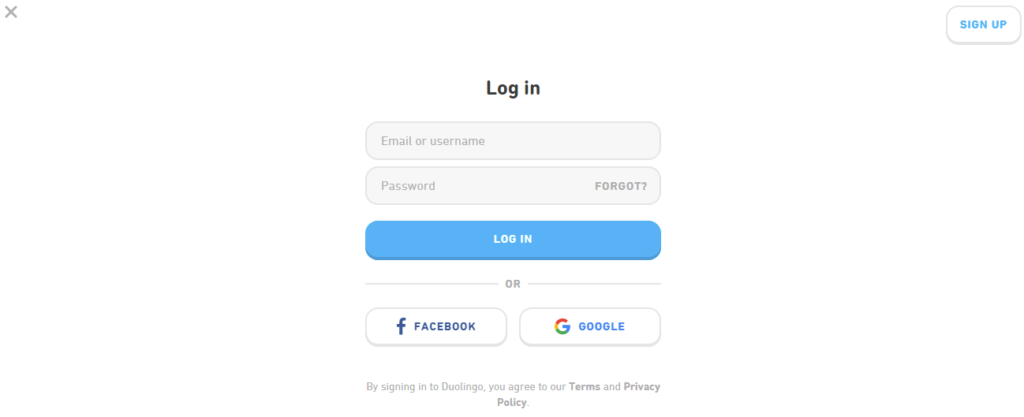
2: Tap Sign In
- On the app:
Tap “I already have an account”, then tap Log in. - On the website:
Click “Sign In” at the top right corner of the screen.
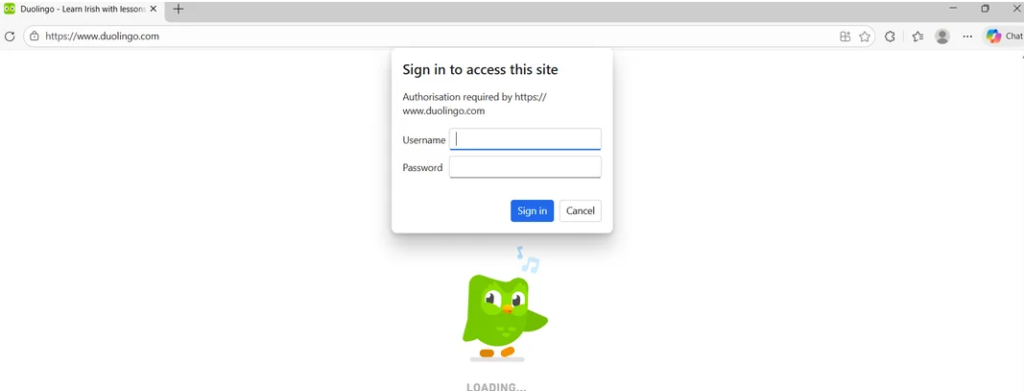
3: Enter Your Details
- Type your email address or username.
- Type your password.
- Tap Log In.
4: Log in Using Google, Apple, or Facebook
If you signed up using a social account before:
- Tap Continue with Google, Apple, or Facebook.
- Do not type your email/password if you used them before.
If You Forgot Your Password
- Tap “Forgot password?” on the login screen.
- Enter your email address.
- Check your email for the reset link.
- Open the link and create a new password.
- Log in again.
Common Login Problems (and Fixes)
Problem: Wrong email or password
Check spelling carefully
Make sure capital letters are correct
Try typing slowly
Problem: Using the wrong login method
If you signed up with Google/Apple/Facebook, use the same method again
Problem: App not letting you sign in
- Check your internet connection
- Update the app
- Restart your phone
Need More Help?
- Password not working
- Login screen stuck
- Forgot email
Conclusion
Logging into Duolingo is easy and flexible, allowing users to sign in with email, a username, or connected social accounts like Google, Apple, or Facebook. By following the correct steps and troubleshooting common issues, users can quickly regain access to their accounts and continue learning languages without unnecessary delays.
FAQs
How do I log in to Duolingo on my phone?
Open the Duolingo app, tap “I already have an account,” then enter your email or username and password to log in.
How can I log in to Duolingo on a computer?
Open your web browser, go to the Duolingo website, click “Sign In” in the top right corner, and enter your login details.
Why does the login screen freeze?
This may happen due to app bugs or slow internet. Try restarting the app.
What if I used the wrong login method?
Use the same method you used when creating your account.
Can I change my login method later?
Yes, you can link additional login methods in account settings.